Features
Everything DataBurrow's duplicate file finder and disk space analyzer does to help you reclaim storage and organize files, 100% locally and privately.
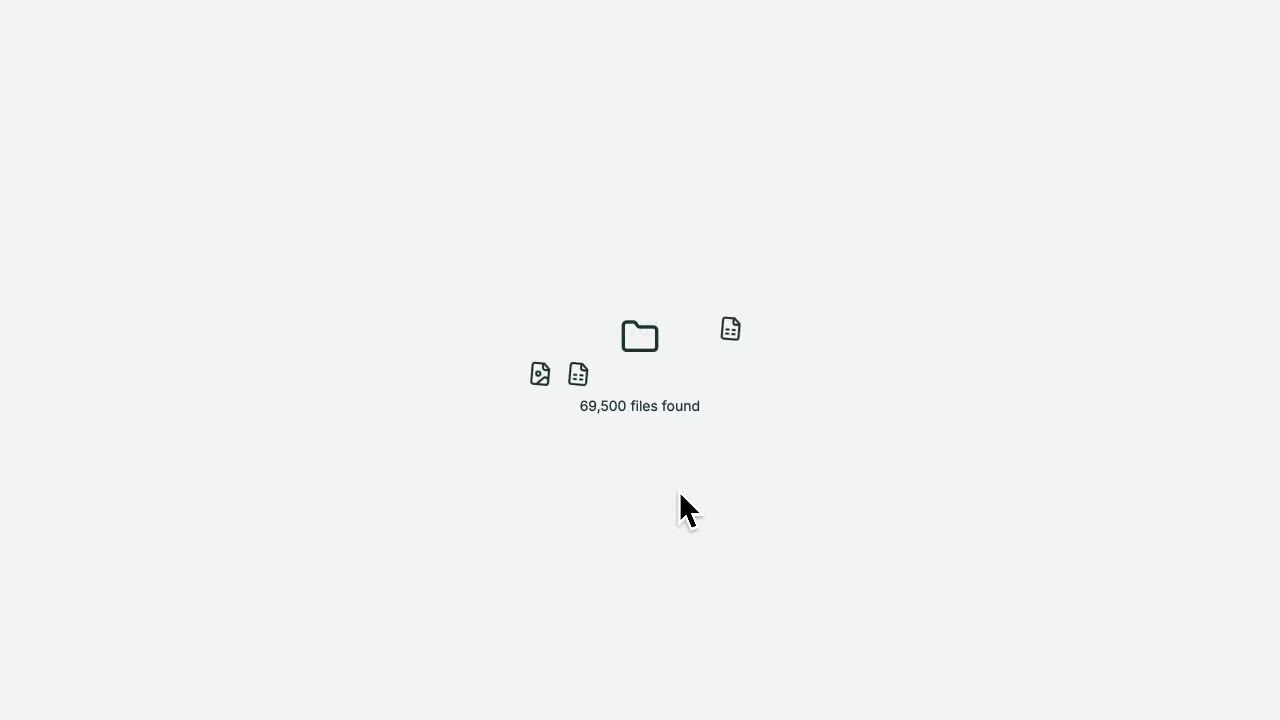
Start looking in one click
Point DataBurrow at a drive and it looks through everything, noting each file's name, size, type, and date. It only reads those details, never the contents of your files.
- No setup needed
- Your files are read locally, never uploaded
Search and filter everything
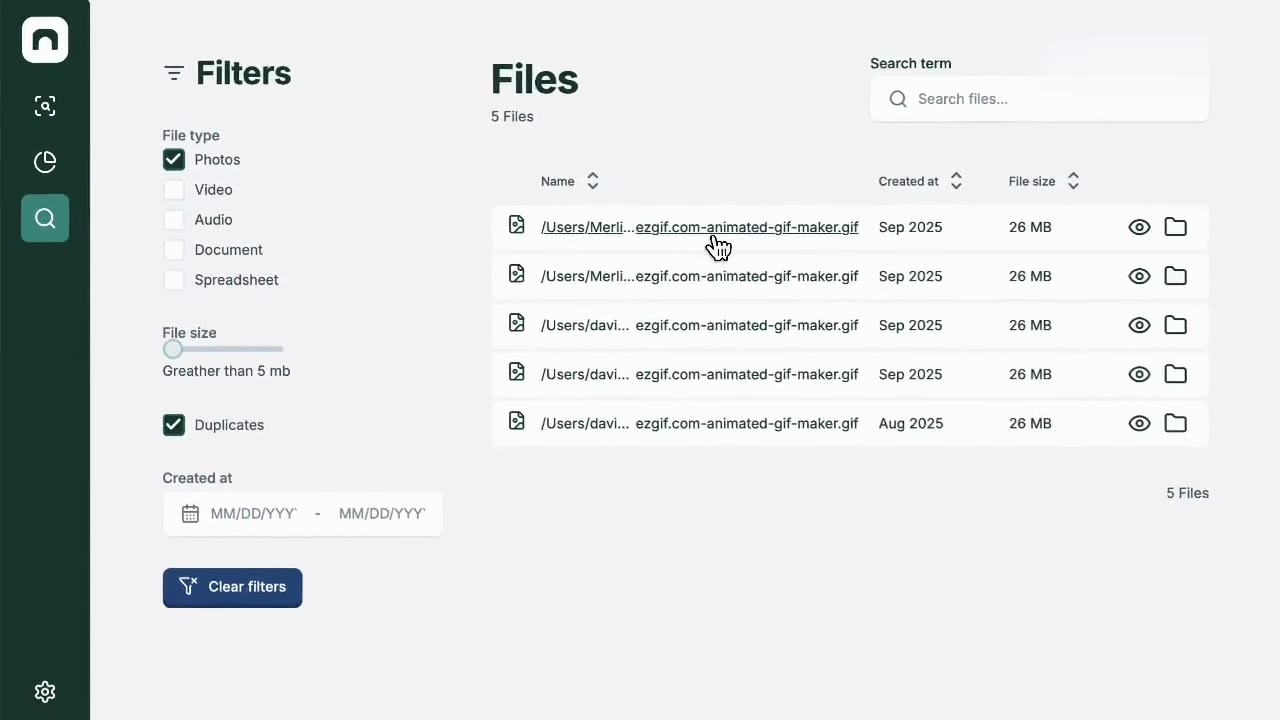
Every file DataBurrow has cataloged becomes instantly searchable and filterable, by name, type, size, or date, so you can find what you're looking for in seconds.
- Results come back in well under a second
- Your files are read locally, never uploaded
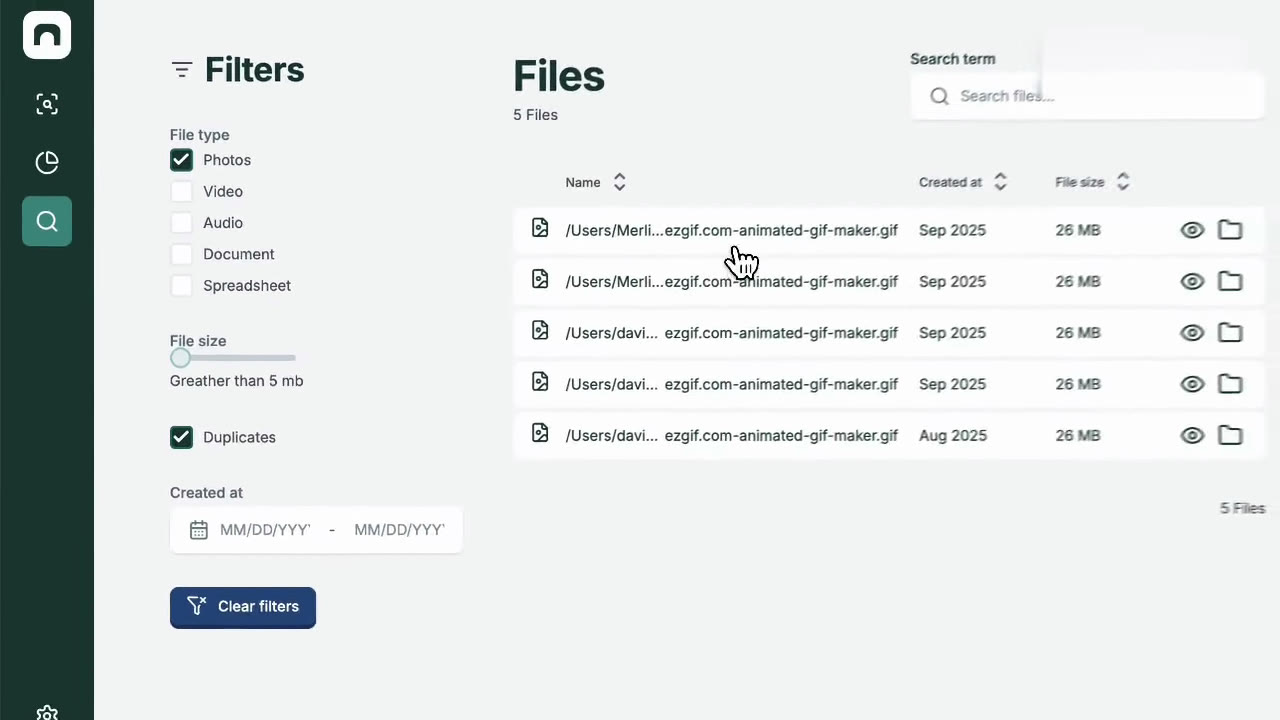
Spot duplicates and old files
The dashboard shows what is taking up space, which folders are biggest, and which files are exact files or haven't been opened in years.
- Finds true copies, not just similar names
- See where your space actually went
Built for how you actually use your computer
Everyday users
A clear, accessible interface designed to work well even if you're not comfortable with technical tools, tested with users of all ages.
Privacy-conscious users
Everything runs locally. No cloud upload, no account required, no telemetry inside the desktop app.
IT professionals
Keyboard-driven, offline-first, and built on hash-based duplicate detection you can trust for accurate, repeatable results.
How DataBurrow compares to your built-in file manager
Built-in file managers show files in a folder hierarchy. DataBurrow adds cross-hierarchy search, hash-based deduplication, statistical insights on what's consuming space, and multi-criteria filtering, all in one place.